Is Your CMMS Keeping Up? A Feature Checklist for 2026

The rules of facilities management have changed.
Compliance expectations are rising. Operational complexity is increasing. Multi-site portfolios demand greater visibility and tighter financial control. Systems that rely on spreadsheets, email chains or desktop-only workflows are struggling to keep up.
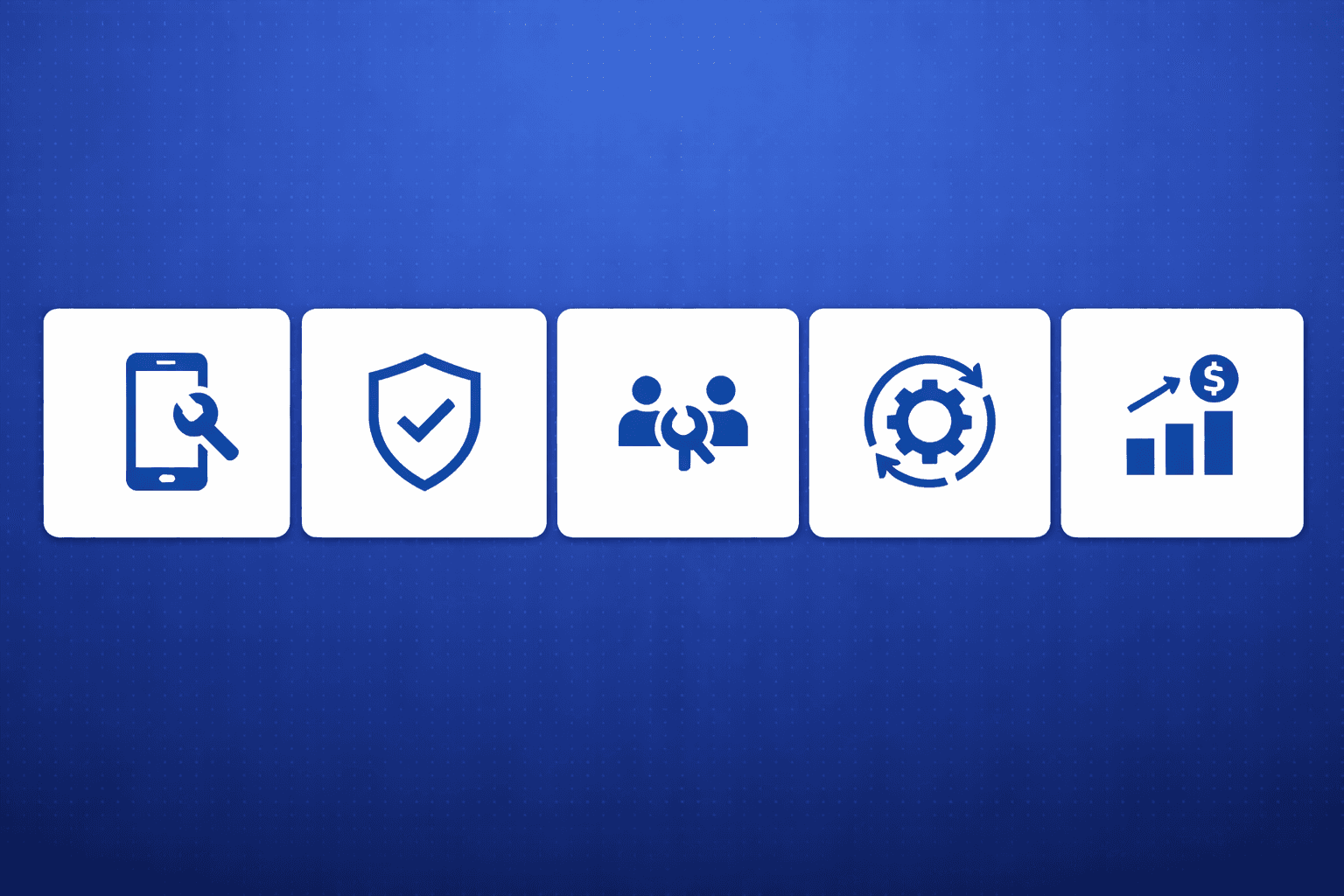
A modern CMMS should do more than log work orders. It should improve on-site efficiency, actively manage compliance, structure contractor relationships, enable preventative planning and provide financial oversight.
So the question is simple: is your system built for 2026?
The checklist below outlines the core capabilities found in today’s most advanced CMMS platforms, such as FMClarity. Use it to assess whether your current system supports the level of control, visibility and governance modern facilities management now requires.
Feature 1: A Mobile App that Supports Full Workflow On-site

If your contractors still need to return to the office to close a job or update compliance records, your process is outdated. Data should be captured at the source, the moment the work happens. If your current system doesn't support a smooth workflow on-site, it is holding you back.
That is why your CMMS should offer a practical mobile app that supports the full workflow in the field.
Features your mobile app should include
1. Work Order Creation and Completion in the Field
Create: Create different types of work requests, add descriptions, select priority, and upload photos.
Search: Apply filters to locate specific work orders by facility, status, work type, or priority.
Execute: Contractors and maintenance officers can view their assigned queues, update job statuses (e.g., "on-site"), log completion times, and complete work orders.
Manage: Managers can approve, reject, amend, or reassign work orders, as well as review and approve supplier quotes within the app.
2. Asset Access via QR Code
QR Scanning: Scan QR codes or barcodes attached to physical assets.
Instant Asset Data: Scanning an asset instantly brings up its profile, including its full maintenance history, lifecycle details, condition, and warranty information.
Actionable Assets: Create a new work order directly from a scanned asset. Link existing work orders to the asset for accurate tracking. Add new assets from the mobile app.
3. Document and Photo Management On Site
Access: Quickly access key site documents such as floor plans, O&M manuals, SWMS and registers.
Upload: Upload photos of faults, completed work, service reports, quotes, and invoices directly into the work order's document repository.
4. Real-Time Communication Within Work Orders
Push Notifications: Receive updates and task assignments via push notifications.
Live Chat: Communicate within a work order's dedicated, role-segmented chat channels (e.g., internal team, requester, or contractor).
5. Offline Functionality for Remote or Low Signal Areas
Create and update work orders without network coverage.
Automatically sync data once the device reconnects.
A strong CMMS mobile app should be built with facility managers and their entire range of stakeholders in mind, reducing manual processes and improving efficiency on-site.
Feature 2: Compliance and Safety Controls

The "Compliance Cliff" of 2026 marks the end of old safety standards. Modern software must actively intercept risk. Your CMMS should be a proactive defence system that prevents errors before they occur.
Features your CMMS should include to manage compliance
1. Rule-Based Compliance Monitoring
Rule Types: Allow users to set compliance rules to check their portfolio's compliance status, such as if a specific document exists, if a document is current (not expired), if a Preventive Maintenance (PPM) schedule exists, and if a specific PPM event has been completed.
Visual Overview: Provide a visual overview that highlights non-compliant areas (e.g., missing fire safety certificates or expired asbestos reports).
Templates: Allow users to save lists of compliance rules as templates and apply them across multiple sites of a similar type (e.g., all aged care facilities or all retail stores) to ensure consistent standards.
2. Essential Safety Measures (ESM) & Audit Preparation
ESM Flagging & Auto-Filing: Tag services such as fire protection as Essential Safety Measures. Automatically file uploaded service reports as ESM records.
Report Generation: Generate ESM reports for a selected date range. Download all required audit documents in a single export.
Mandatory Uploads: Require contractors to upload service reports before closing ESM work orders.
3. Contractor Compliance and Risk Mitigation
Internal Tracking: Store insurances, trade licences, inductions and SWMS against supplier profiles.
Automated Blocking: Automatically block work orders if mandatory documents are missing or expired.
Third-Party Integrations: Integrate with third-party contractor compliance platforms such as Rapid Global or LinkSafe, to support secure site sign-in and permit workflows.
4. Hazards and Incidents Management
Hazards: Log potential risks, identify the pathway to harm, assign a significance rating, and detail the specific control measures.
Incidents: If an event occurs, users can log an incident report and the required further actions.
5. Inspection Tick Sheets
Create custom inspection tick sheets
Make safety steps mandatory before a job can be closed
Trigger remedial work orders from failed inspections
A strong CMMS should actively manage compliance and safety, reducing risk, improving visibility across sites, and giving facility managers confidence during audits.
Feature 3: Flexible Contractor Management

Managing external contractors is a major part of a facility manager's daily life. A modern CMMS must simplify this relationship. It should provide visibility, control and measurable accountability across your contractor network.
A capable CMMS should give facility managers structured control over their contractor network, ensuring accountability, performance visibility and reduced operational risk across every site.
Features your CMMS should include to manage contractors effectively
1. Dedicated Contractor Portal
Login Access: Provide contractors with secure login access via web or mobile.
Exclusiveness: Allow them to view only the jobs assigned to their organisation or technicians.
2. Streamlined Work Order Execution & Quoting
Auto-Assignment: Automatically assign work orders to preferred contractors based on service type.
Quoting: Request quotes from multiple suppliers for a work request. Convert chosen quotes into issued work orders.
On-Site Tracking: Allow contractors to indicate arrival on site. Notify facility staff of their arrival.
3. Transparent Communication
Supplier Channel: Use dedicated supplier communication channels within each work order.
@Mentions: Send direct notifications through @mentions.
4. Performance Monitoring
Contractor Performance Reporting: Access analytics and dashboard reports that provide visibility into contractor performance, allowing users to compare performance across contractors.
SLA Ranking: View contractor Service Level Agreement (SLA) rankings to see the percentage of jobs completed on time, completed late or left overdue, as well as average response times and overall expenditure.
A strong CMMS should give facility managers clear oversight of contractor activity, performance and spend, ensuring consistent standards and informed supplier decisions across every site.
Feature 4: Preventive Maintenance Management

Studies show that preventive maintenance can reduce or eliminate the risk of equipment failure through scheduled interval servicing, thereby extending the asset’s service life. A modern CMMS should shift facilities management from reactive response to structured preventative planning.
Features your CMMS should include to manage preventative maintenance effectively
1. Automated Scheduling and Issuing
Recurring Schedules: Create recurring preventative maintenance schedules with flexible frequencies.
Work Order Generation: Automatically generate and issue work orders in advance of due dates.
2. Real-Time Maintenance Calendar Visibility
Calendar View: View all scheduled maintenance in a centralised calendar.
Visual Indicators: Use indicators (such as different colours) to show the live status of upcoming, completed and overdue tasks.
3. Corrective Follow-Up Work Orders
Flag additional defects: Allow technicians to flag additional defects discovered during routine services.
Auto-Generation: Automatically generate new, linked corrective work requests.
Quote Inclusion: Include details or quotes for manager approval.
5. Asset-Level Maintenance Planning
Asset Linking: Connect preventative maintenance schedules to specific equipment.
QR Visibility: Allow technicians to scan assets to view upcoming maintenance.
Maintenance History: Record all completed work against the asset profile.
Lifecycle Insight: Improve visibility into asset condition and long-term planning.
A capable CMMS should turn preventative maintenance into a structured system that reduces reactive work, extends asset life and improves cost predictability across every site.
Feature 5: Budget Control

Facilities budgets can quickly drift without structured controls. A modern CMMS should provide financial oversight at the point of approval, during execution and across long-term planning.
Features your CMMS should include to maintain budget control
1. Delegations of Authority (DOA) and Spend Thresholds
Approval Limits: Set financial approval limits for individual users. If an invoice exceeds their limit, it must be escalated for approval.
Default Thresholds: Apply default spend thresholds to issued work orders. Contractors must request approval if they exceed the threshold.
2. General Ledger (GL) Mapping
Automated GL Coding: Link approved budgets directly to services and General Ledger codes.
Seamless Processing: Automatically push data into the finance system when a work order is issued or an invoice is approved.
3. Live Budget Tracking
Remaining Balances: Display available budget at the point a work request is raised.
Automated Blocks: Optionally prevent work orders from being issued when budgets are exceeded.
Variance Analysis: Supports variance reporting to compare budgeted amounts against actual spend.
4. CapEx and OpEx Forecasting
Asset Replacement Forecasts (CapEx): Use asset condition, lifecycle and acquisition data to forecast replacement costs over multi-year periods.
Maintenance Forecasting (OpEx): Analyse historical maintenance spend to project future operational budgets.
5. Expenditure Reporting
Real-time Financial Visibility: Use the analytics and dashboard modules to see your financial performance as it happens.
Custom Expenditure Reports: Generate spending reports broken down by facility, service type, or contractor.
Portfolio Activity Tracking: Track costs by custom categories like specific regions or brands.
Identify High Cost Areas: Use the data to instantly find underperforming assets or parts of your portfolio that cost too much to maintain.
A capable CMMS should enforce financial discipline at every stage of the maintenance lifecycle, providing clear visibility, structured approvals and forward planning across your portfolio.
Is Your CMMS Ready For 2026?
If your system shows gaps in two or more of the areas outlined above, those gaps will likely compound over time. Compliance risk, cost overruns and operational inefficiencies rarely appear overnight. They build gradually when processes lack structure and oversight. You must ensure you choose the system that provides clarity across your operations.
If you are ready to close the gaps in your current process and see what a proactive CMMS looks like in action, we are here to help.
[Request a free demo of FMClarity's facility management software]
Let us show you how structured compliance controls, preventative planning and budget governance can work together in a single platform designed to give you complete operational clarity.